
10 Restaurant QR Code Menus Customers Still Dislike

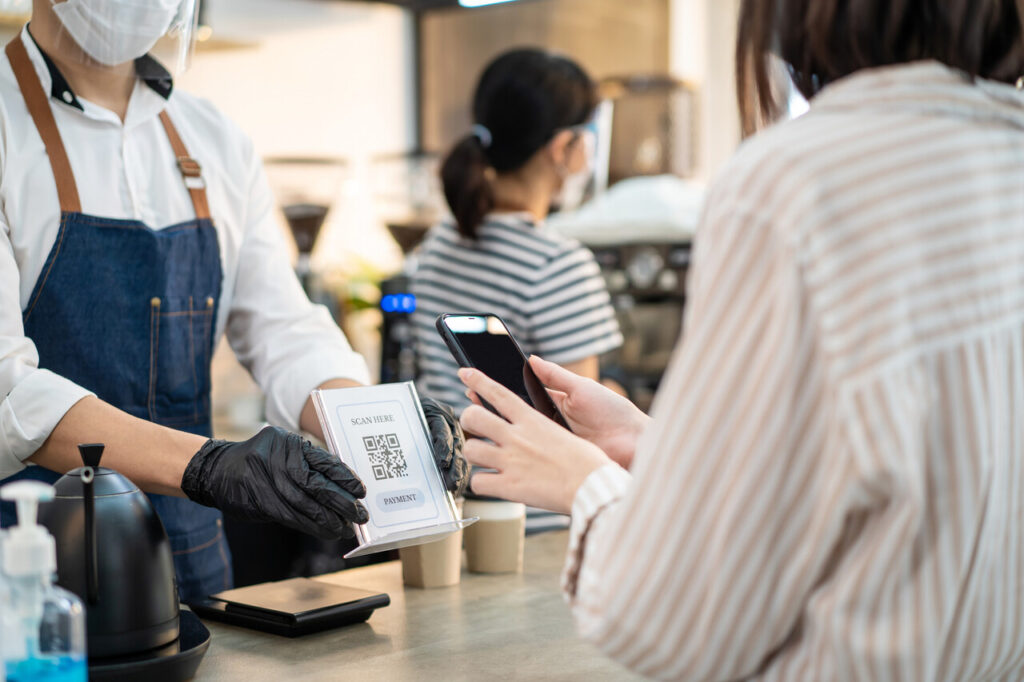
QR code menus were meant to make dining more convenient, but for many customers, they have done the opposite. What started as a health era workaround has quietly become a permanent fixture in restaurants across the country, even as diners continue to voice frustration. From slow loading screens to awkward ordering moments, digital menus often add friction where simplicity used to exist. Instead of enhancing the experience, they can make a relaxed meal feel oddly complicated.
Restaurants appreciate the lower printing costs and easier updates, yet guests often notice the tradeoffs more than the benefits. Not everyone wants to scroll through dishes on a small screen, rely on patchy internet, or hand over personal data just to read a menu. When technology interrupts conversation and comfort, it becomes part of the problem rather than a helpful tool.
1. QR Code Menus That Replace Paper Completely Leave Many Diners Feeling Excluded

For many guests, removing printed menus altogether feels less like modernization and more like a barrier. Not everyone walks into a restaurant with a fully charged smartphone, reliable data service, or the comfort level needed to navigate digital interfaces quickly. Older diners in particular often report frustration when they must depend on a device simply to see what is being served. What used to be a simple, welcoming moment becomes a small but noticeable stress point before the meal even begins.
Accessibility is another concern that frequently gets overlooked. Some guests have visual impairments that make reading from a small phone screen far more difficult than reading a large printed menu. Others rely on screen readers or accessibility settings that do not always function smoothly with restaurant websites. Families sharing a single device also struggle, since passing a phone around the table slows ordering and limits group discussion about dishes.
There is also a social element that paper menus naturally support. Physical menus allow everyone at the table to browse together, point to items, and make decisions collectively. With phones, diners often disengage from one another and focus on their individual screens. What should be a shared dining experience can start to feel fragmented, which weakens the relaxed atmosphere restaurants aim to create.
2. Menus That Require Multiple Scans Turn a Simple Task Into an Annoyance
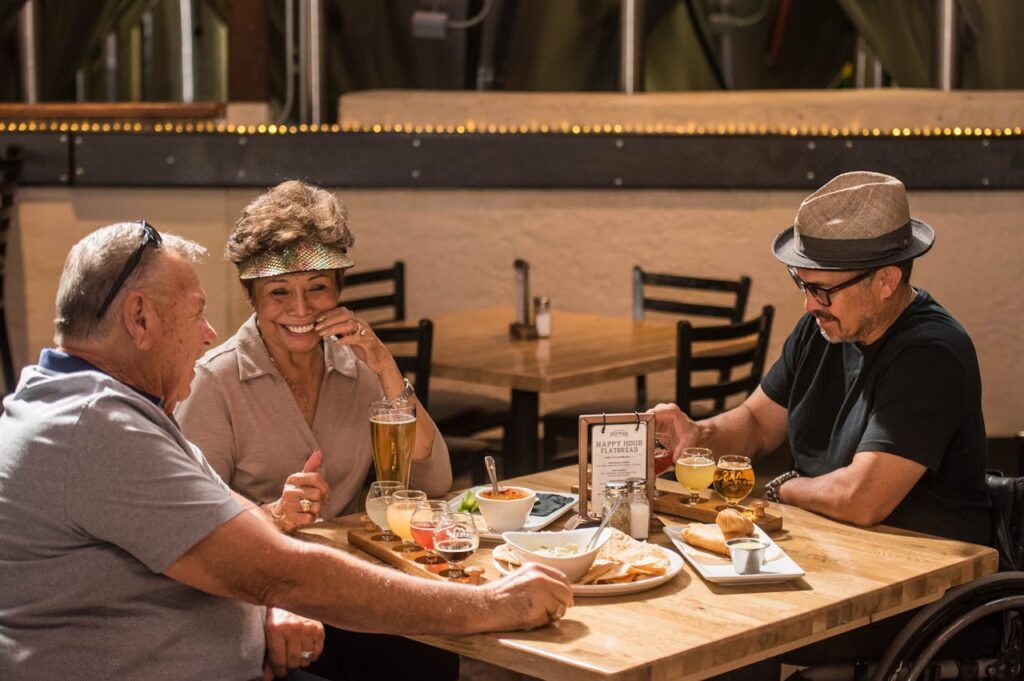
Some digital menus are structured in ways that force diners to scan different QR codes just to see separate sections like drinks, desserts, or specials. What should be a smooth browsing process turns into repeated camera use, constant page loading, and unnecessary navigation. This layered access often feels inefficient compared to flipping a single printed menu, where everything is visible in one place.
The extra steps can also confuse guests who are less comfortable with technology. If someone accidentally closes the menu page or loses their connection, they must repeat the scanning process. This interruption becomes especially frustrating during busy meal periods when servers are occupied, and guests are left troubleshooting the menu on their own.
Beyond inconvenience, repeated scanning disrupts ordering flow. Diners tend to make decisions based on comparing items across categories, such as pairing drinks with entrées or planning dessert ahead of time. When menus are fragmented across multiple links, this natural comparison becomes harder, which can slow service and reduce overall satisfaction.
3. Slow Third-Party Menu Websites Make Restaurants Feel Unprofessional
Many restaurants rely on external platforms to host their QR menus, but these sites often load slowly or struggle during peak hours. Diners sitting at a table expect quick access to information, not spinning loading symbols and delayed responses. When a menu takes too long to appear, guests may associate the delay with poor organization, even if the kitchen and service are excellent.
Third-party sites can also suffer from server overload, especially in high-traffic locations where dozens of customers attempt to access the same link at once. This can lead to frozen pages, incomplete images, or links that fail. Guests may need to refresh repeatedly, wasting time and testing patience before they can even begin choosing their meals.
A slow menu platform affects the rhythm of dining. Ordering becomes staggered, servers must revisit tables multiple times, and overall service efficiency drops. These delays add friction to what should be a seamless hospitality experience, making digital menus feel like an obstacle rather than a convenience.
4. Poorly Designed Mobile Menus With Tiny Text Frustrate All Age Groups
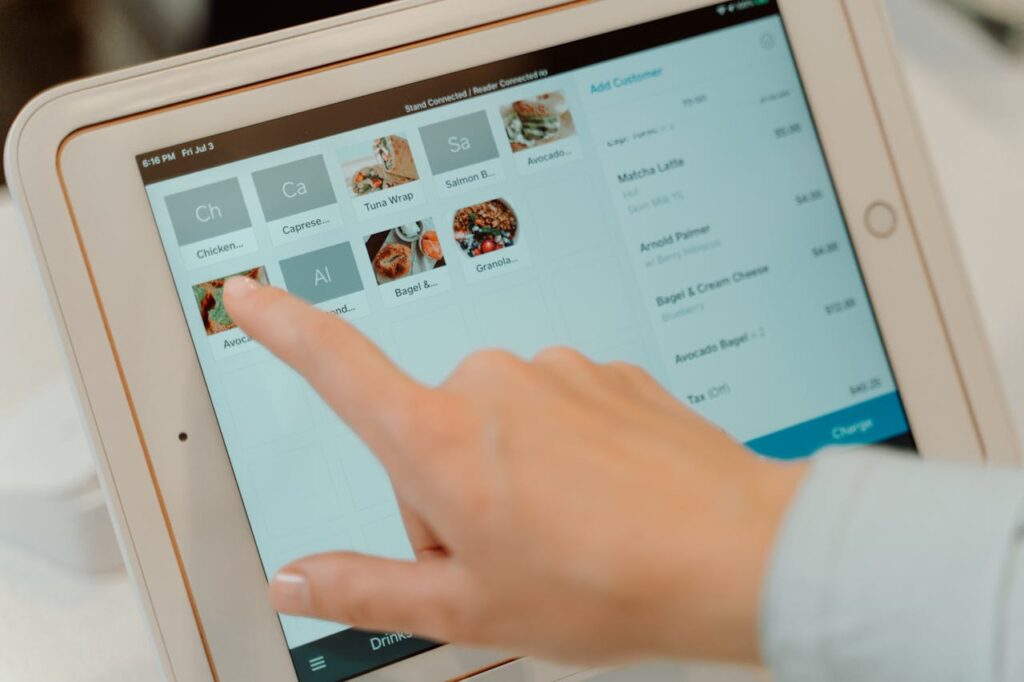
Not all restaurant websites are optimized for mobile viewing, and this becomes obvious when diners open menus filled with tiny fonts and cluttered layouts. Guests must zoom in repeatedly, scroll sideways, and struggle to read dish descriptions that would have been instantly clear on paper. This constant screen adjustment turns browsing into work rather than a pleasant part of the meal.
Small text particularly affects older customers and those with visual challenges. Even younger diners can find it tiring to read dense information on bright screens in dim restaurant lighting. When menus require intense focus just to understand basic details, guests may rush decisions or avoid exploring unfamiliar dishes.
Design problems also limit clarity. Prices can be separated from descriptions, images may overlap text, and important notes about ingredients or spice levels may be hidden in hard-to-spot sections. Instead of enhancing the experience, poor digital formatting reduces transparency and increases ordering mistakes.
5. Menus That Force App Downloads Create Immediate Resistance
Some restaurants require customers to download a dedicated app before viewing the menu, which many diners view as excessive. Installing an app demands storage space, time, and a willingness to share personal data. Guests who only plan to visit once often see no reason to commit to a permanent download just to read meal options.
App downloads also create delays. Mobile data speeds vary widely, and waiting for installation can interrupt conversations and slow ordering. In group settings, one person often becomes responsible for navigating the app while others wait, which disrupts the natural flow of dining.
Privacy concerns add another layer of hesitation. Many diners are cautious about granting permissions or providing email addresses for restaurant platforms. When accessing a simple menu feels tied to marketing lists or data collection, guests may feel pressured rather than welcomed.
6. QR Menus Filled With Pop-Ups and Surveys Feel Distracting and Pushy

Some digital menus are cluttered with promotional banners, discount prompts, or pop-up surveys that appear before diners can even view the food options. These interruptions make the experience feel more like navigating an advertisement platform than browsing a restaurant menu. Guests often find themselves closing multiple windows before reaching the actual content.
Pop-ups can also block important menu details. On smaller screens, promotional overlays may hide prices, descriptions, or ordering buttons, forcing diners to scroll repeatedly. This visual clutter creates confusion and can make guests worry they are missing key information.
Frequent prompts for feedback or newsletter signups can feel premature. Diners generally prefer to evaluate their experience after the meal, not during the ordering process. Interruptive marketing tactics may generate engagement metrics, but they often reduce customer comfort and satisfaction.
7. Menus That Fail Without Cellular Data Exclude Too Many Diners
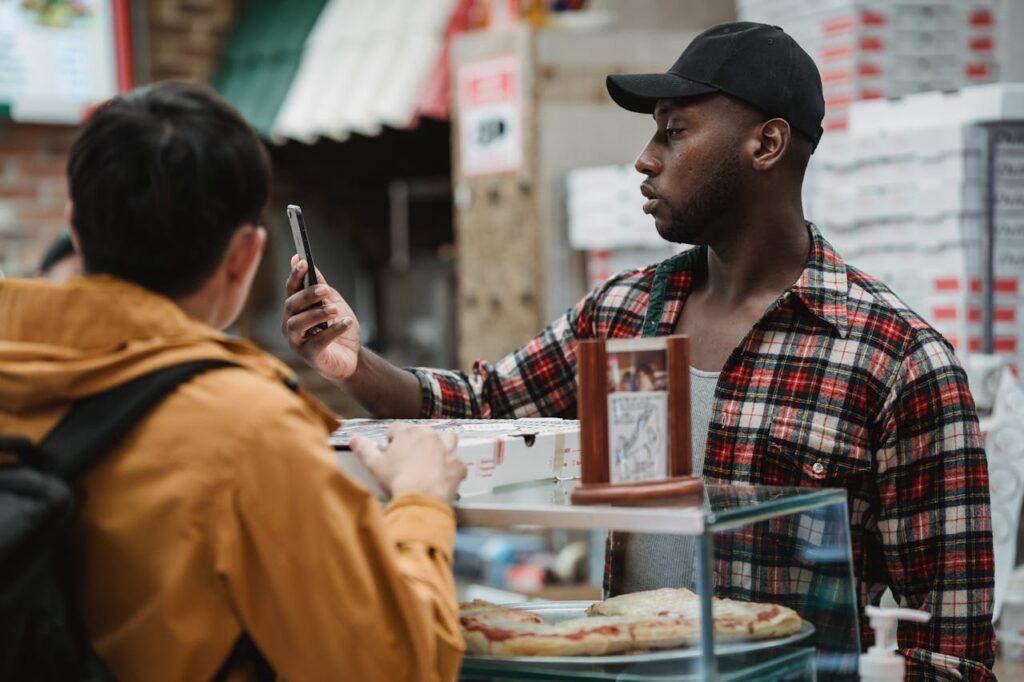
Not every restaurant provides strong WiFi, and some buildings naturally block mobile signals. In these situations, QR menus that rely entirely on internet access become unusable. Diners may sit with blank screens, unable to load pages, while staff scrambles to provide alternatives.
International travelers face even greater difficulty. Visitors without local data plans can encounter roaming fees or connection failures when trying to access digital menus. What should be a welcoming hospitality moment becomes a logistical challenge that adds stress to travel experiences.
Dependence on internet access also creates inconsistency. A menu that works perfectly one day may fail during network congestion the next. Paper menus never face these technical limitations, which is why many guests still prefer them as a reliable backup.
8. Menus Without Dietary Filters Make Special Needs Harder to Manage
Digital menus have the potential to help diners filter options based on allergies, dietary restrictions, or lifestyle choices, yet many fail to include these tools. Guests with gluten intolerance, nut allergies, or vegetarian preferences must scroll through entire menus manually, increasing the risk of overlooking important ingredient details.
Without proper filtering systems, diners may rely heavily on servers for clarification. This slows service and increases the chance of miscommunication, especially in busy environments. Guests with medical dietary needs may feel anxious rather than relaxed when information is not clearly organized.
Effective digital menus should simplify decisions, but poorly designed ones do the opposite. Instead of empowering diners with clear sorting features, they replicate the limitations of paper menus while adding the inconvenience of screen navigation.
9. QR Menus That Reset When Diners Change Tables Interrupt Ordering
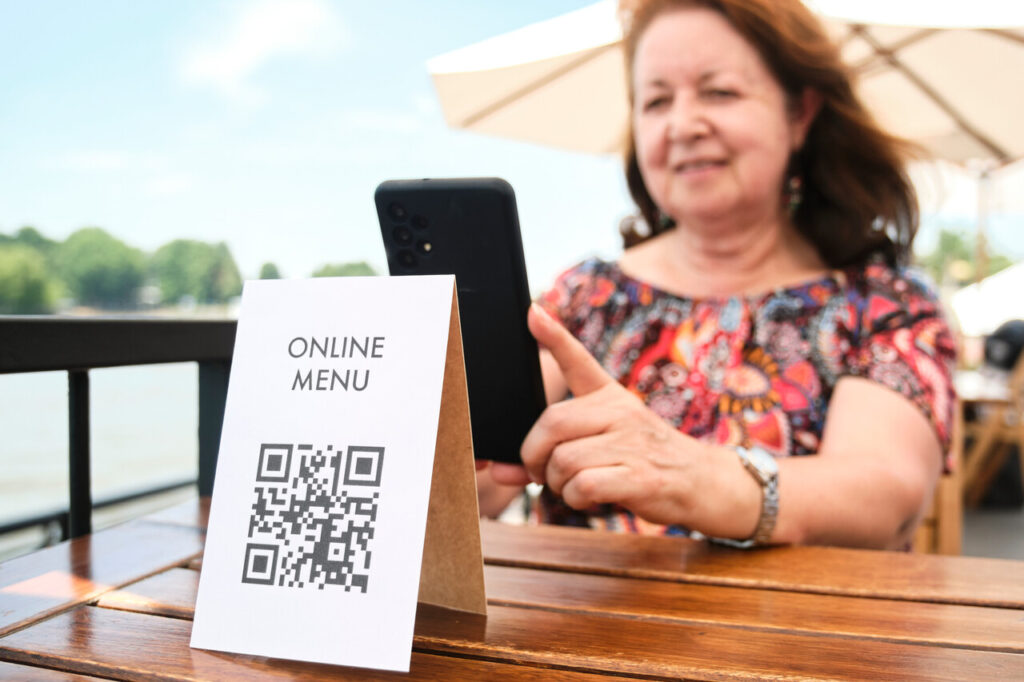
In busy restaurants, guests sometimes switch tables for comfort or group seating adjustments. Certain QR systems tie the menu session to a specific table code, forcing diners to rescan and start over if they relocate. Any saved selections or browsing history may disappear instantly.
This reset can be particularly frustrating for large groups who have already spent time reviewing options. Restarting the process delays ordering and can lead to rushed decisions. The inconvenience becomes more noticeable when diners are hungry or managing children.
Technical rigidity like this prioritizes system structure over guest comfort. Restaurants aim to be flexible and accommodating, but menu platforms that erase progress during simple seating changes create unnecessary friction.
10. Menus That Hide Prices Create Distrust and Awkward Surprises
Transparent pricing is a core part of dining confidence. When digital menus hide prices behind additional clicks or omit them entirely until checkout, diners may feel uneasy about ordering freely. Guests prefer knowing costs upfront so they can make comfortable choices within their budgets.
Hidden pricing also slows decision-making. Customers may hesitate to explore specials or add extras when they are unsure about final totals. This uncertainty can reduce impulse orders and create tension at the table, especially in group dining situations where bills are shared.
Unexpected costs discovered at payment can damage trust. Diners may feel misled even if the pricing structure is legitimate. Clear, visible pricing supports informed choices and reinforces a sense of honesty that strengthens the overall restaurant experience.